Available Shifts in Caregiver Mobile App
Available Shifts
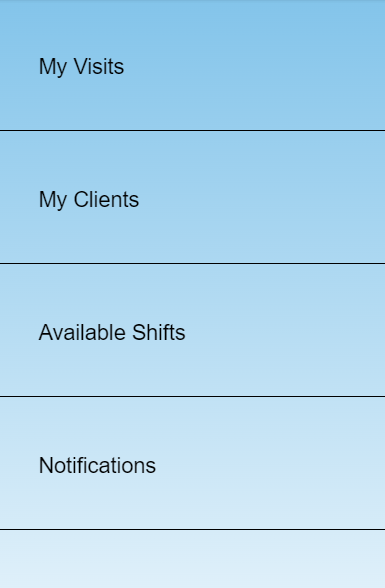
This shows Available shifts that have not been picked up for the day. Side note: This is an optional feature and based on Admin's desires.
The caregiver has two options: Request or Decline next to the available shift.
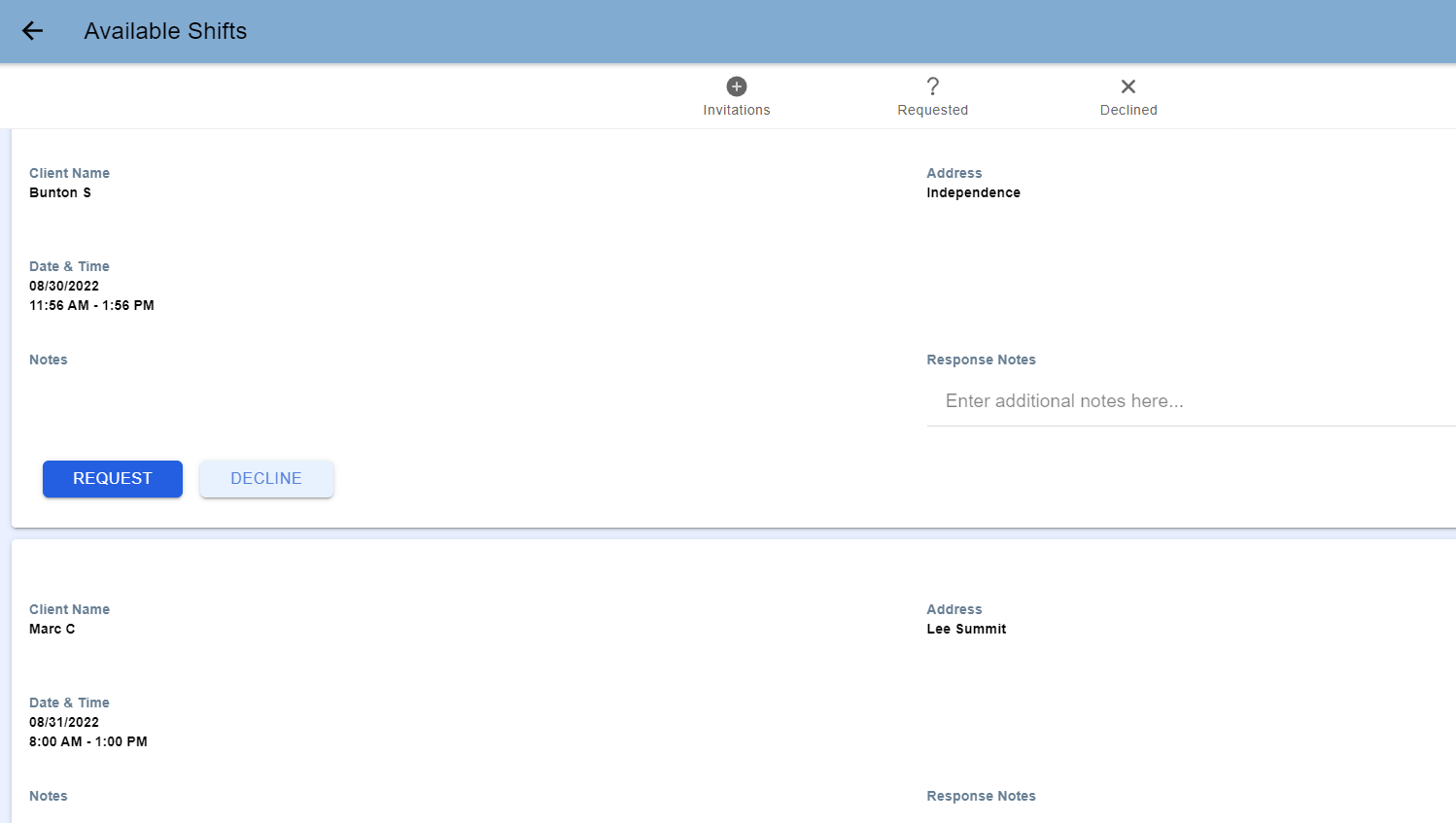
Once Requested or Declined, the shift will disappear from the Available Shifts tab and move to either My Visits or removed altogether.
Depending on Admin's wishes, the Available Shifts may show limited information. Such as First Name, Last Initial and City of the client.
Was this article helpful?