Closing "on hold" Visits
Visits are on hold for many reasons. The main reason is when a caregiver forgets to clock out. The system will turn those visits to "on hold".
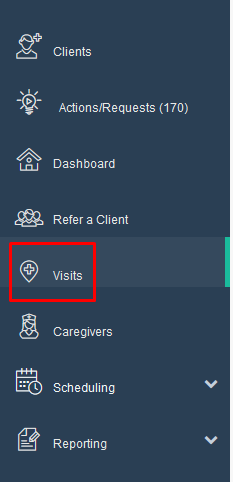
Step 1: Click on "Visits"
Step 2: Set the visit date or date range. Set the visit status to "On Hold". Click "Search"

Step 3: Click the check box for all visits you would like to close.
**Note** For any visit you close you will want a paper time sheet to verify the end times.

Step 4: Scroll down the page. Click on the "Report Visit Completion" tab.

To learn more about report visit completion click on this article
Was this article helpful?