How To Set A Worker's Template
Ankota provides a way for system super users to set permission levels for workers.
To do this...
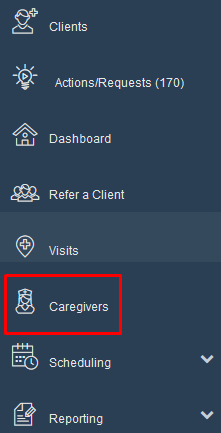
- Click on"Caregivers".
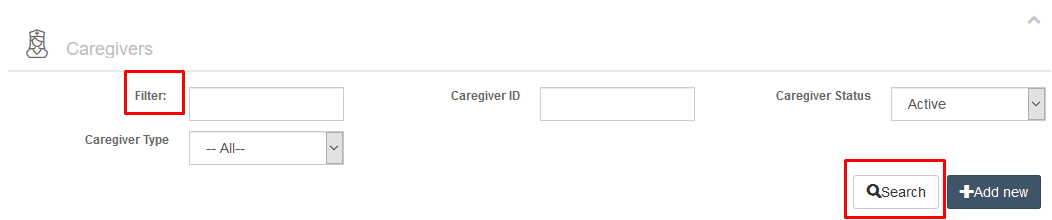
- Type the caregivers first or last name in the "Filter" box. Click "Search"
- Click on the caregivers name

- Click on the Configuration tab in the worker's file.

- Next you will select the Configuration Schema tab.

- On the right column you will see a section called "Template".
- By default the template will be "Inherit from Organization".

- Click on the drop down to select a template from your organization's drop down menu.
**

**
This is example is from a Caregiver user role (found in the Personal tab):

- Templates will be dependent upon the User Role (as shown above). The example below shows the templates for the User Role of Administrator in this demo environment.

- Your list of templates will look different from this drop down menu and are based upon the templates you have set with the Ankota Implementation team.
- Ankota can customize templates by each Organization and in some cases by the Organization's departments.
Contact support@ankota.com to request changes or additions to your organization's templates.
Was this article helpful?