Mobile Scheduling
Overview
For administrators on the go, ankota.net's Visits page is mobile optimized for schedule adds, changes, and cancellations.
Mobile Visit View
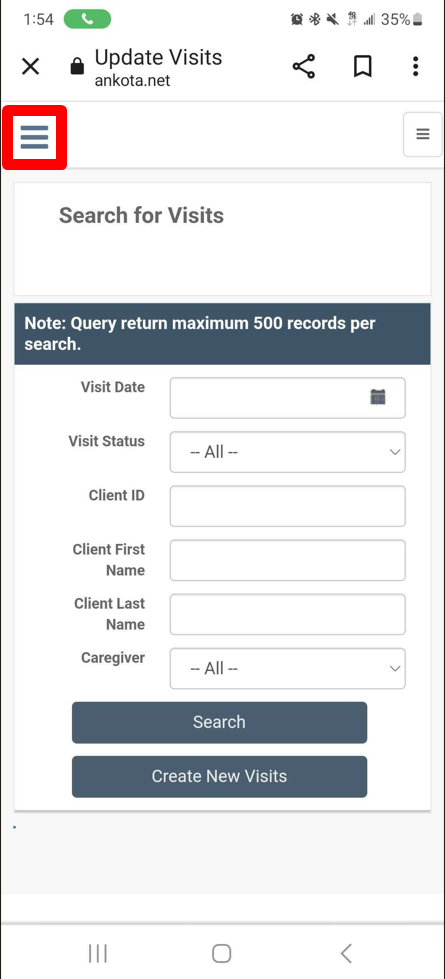
To access the mobile optimized Visits page, first click the 3 lines at the top left to open the Main Menu.
Then click Visits in the left Main Menu.
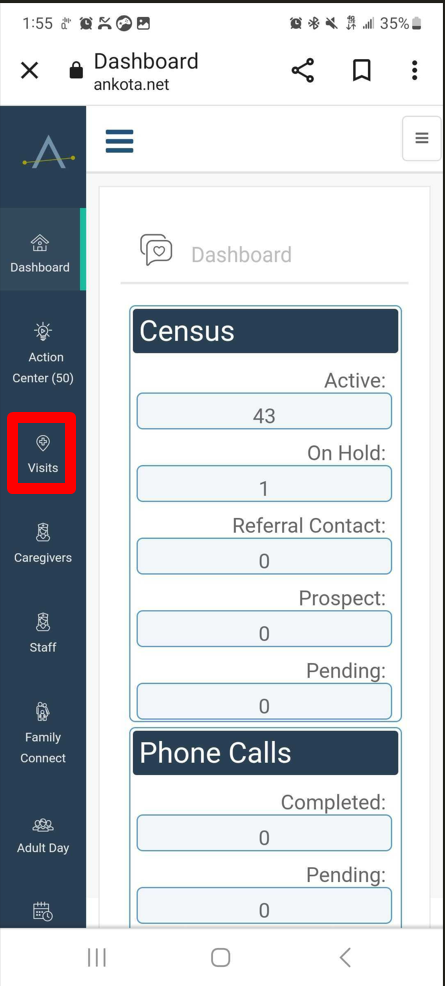
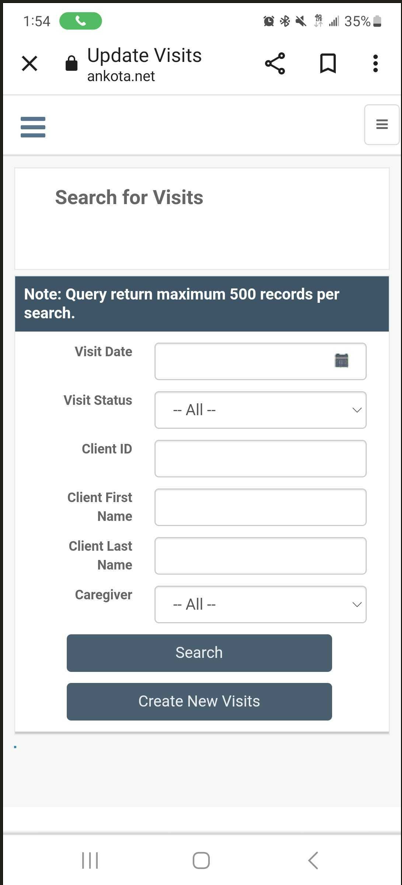
This will take you to the mobile optimized Visits page, where you can search for visits or create new visits.
To search for visits, enter information in the filter at top as needed, then click Search.
Mobile Scheduling
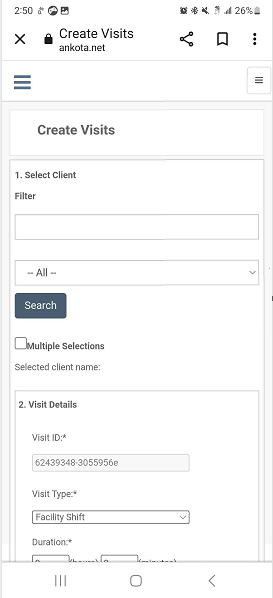
To create a new visit, click the Create New Visits button.
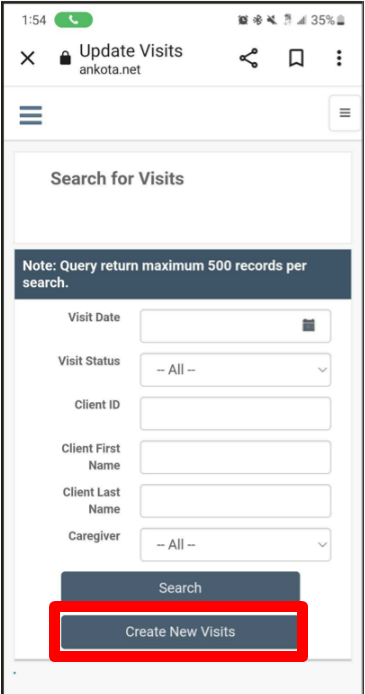
Then build the new visit, working top to bottom, before clicking Save at the bottom.
Mobile Rescheduling
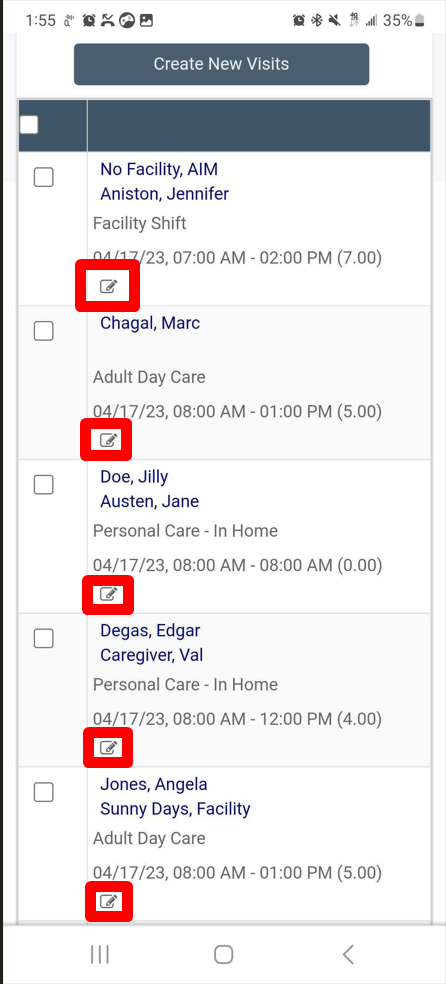
To edit a visit, click the edit (pencil and paper) icon on the visit you wish to edit.
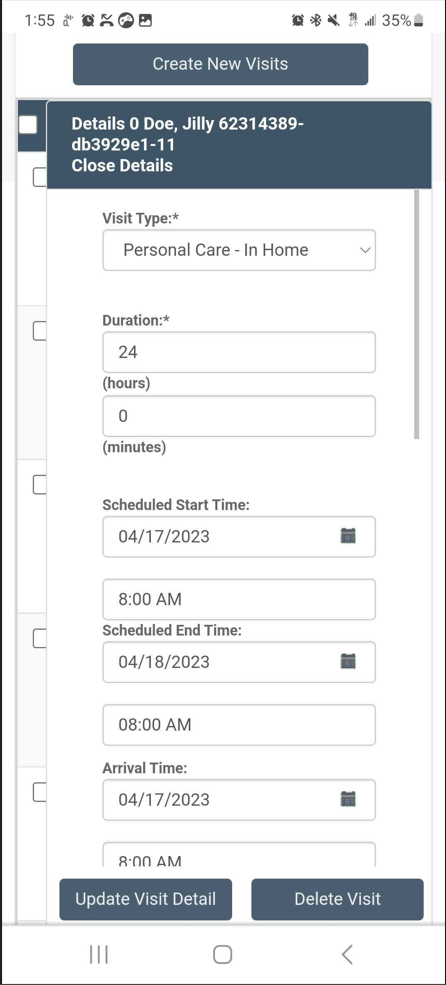
Then adjust the visit details as needed:
Was this article helpful?