Separating a Billing Address from a Service Address (Set Contact as Payer)
Overview
In Ankota, a different payer and billing address can be set from the client and the client's service address. A client's contact can be designated as the payer for that client.
Set-Up
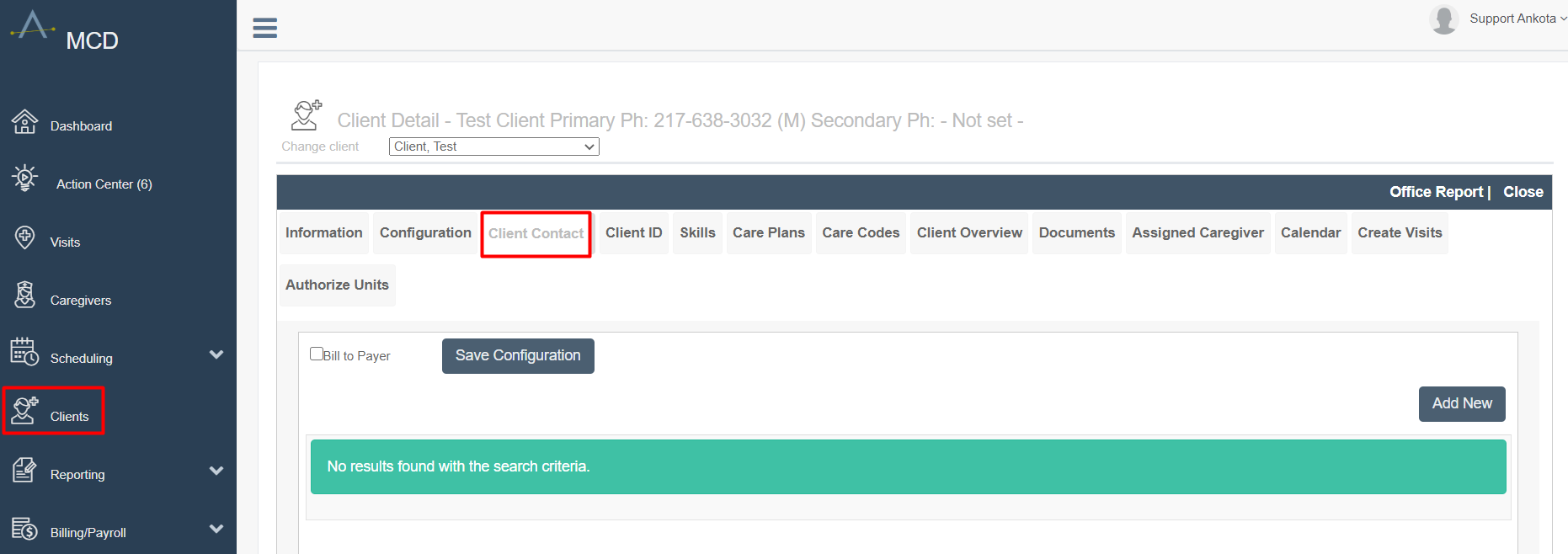
To create a new contact and assign the contact as the Payer, go to the Main Menu, click Clients, and then click the Client Contact tab.
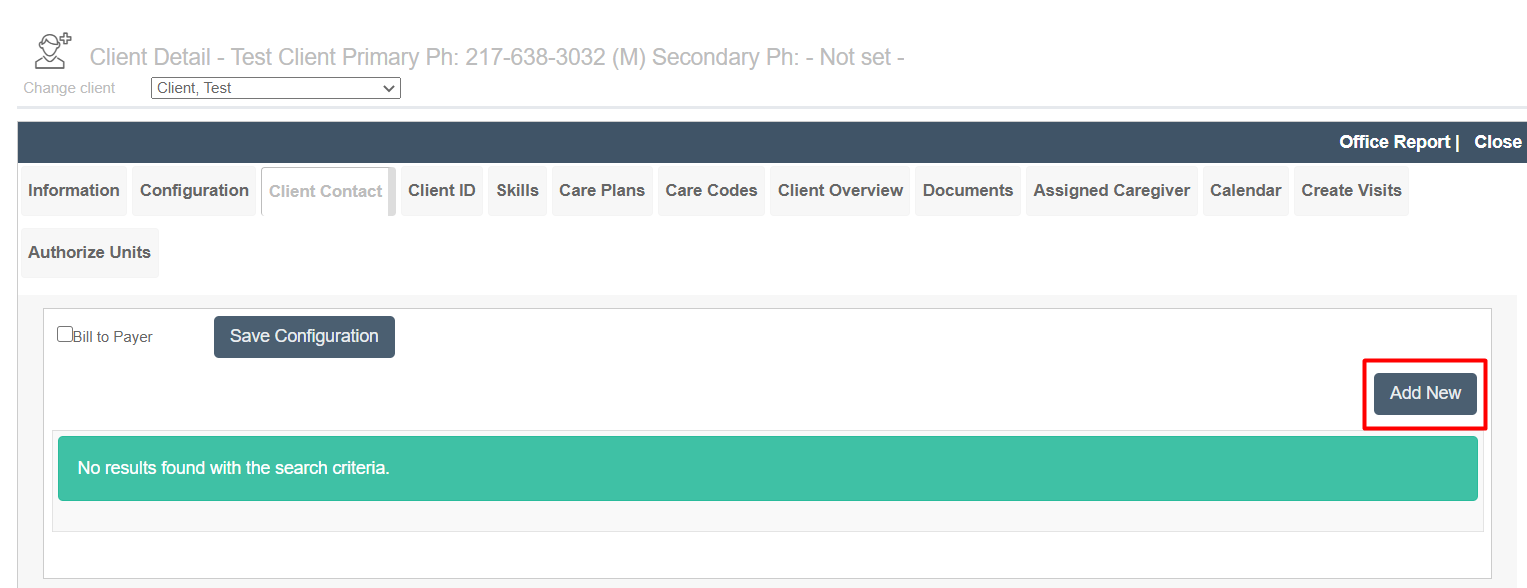
Click Add New to add a new Client Contact.
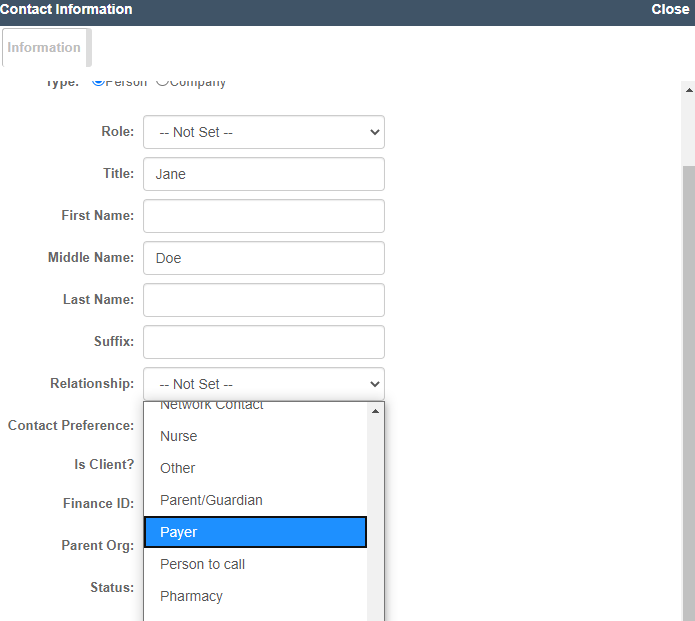
A pop-up window will open. Enter all contact information for the Client Contact, including the phone number and address. Be sure to set the Relationship as Payer.
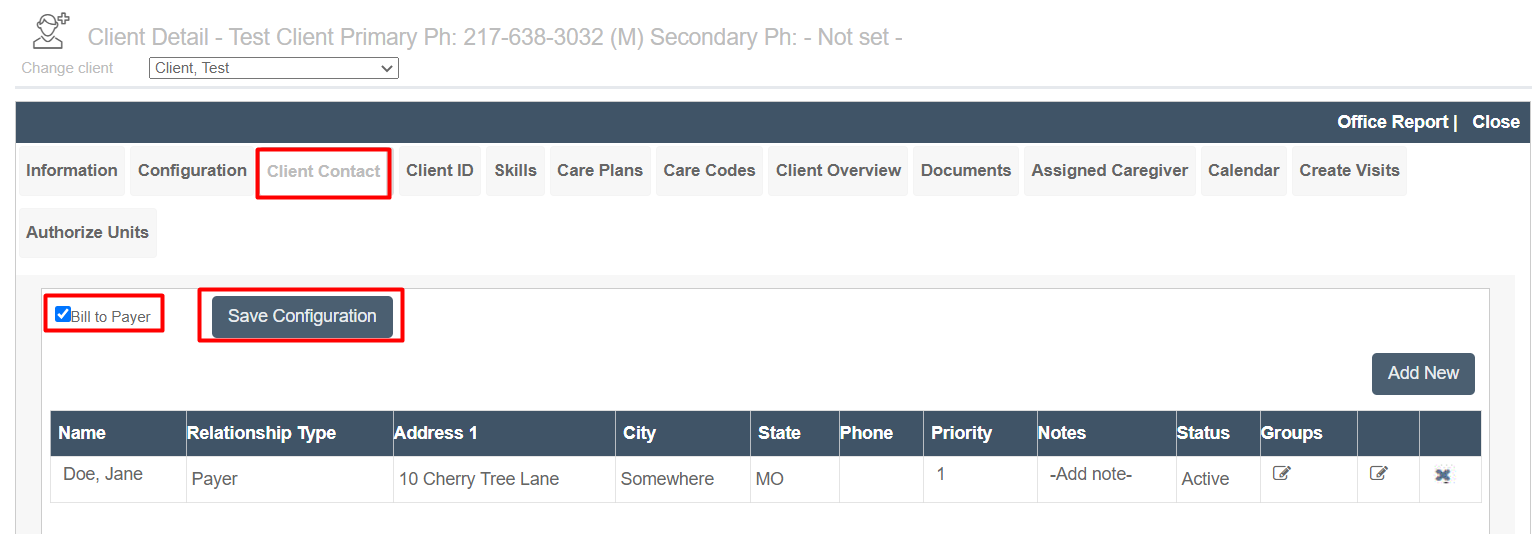
After the Client Contact has been created, check the box next to Bill to Payer, then click Save Configuration. The contact and billing address update is now complete.
Was this article helpful?