The Dispatch Board
The Dispatch Board (or Scheduling Board) is a versatile tool in Ankota that you will likely work with daily. On a macro level, the screen presents a color-coded schedule of each client and caregivers visits for the week.
- On the top section of the Dispatch board, the dial-in number your team will use to report Visits is presented to the left.

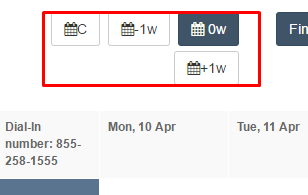
- You can move forward or back a week by using the -1w/+1w function or use the calendar icon to pick a specific time frame.
- You will also see a menu cluster with a series of functions such as “Find Matching Caregiver, Find by Address, Select Caregivers, and beyond.

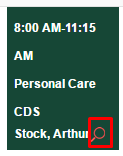
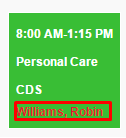
You may see a red magnifying glass or a clients name in red. This means there is an alert for something happening with this visit.
To see what to do with these alerts see the article "Calendar Alerts"
Was this article helpful?