Caregiver Website Applications (Caregiver Registration)
Overview
The Caregiver Registration page is a standard page used to add new caregivers to a system. It is normally set up for internal use, but can be adjusted for external use so that caregivers can fill out their own profiles, and then admins can move the caregivers to Active status and add mobile app/telephone log-ins later upon hiring.
See this video for a brief overview:
Or see the article below.
Caregiver Registration Page - Curated for Medicaid
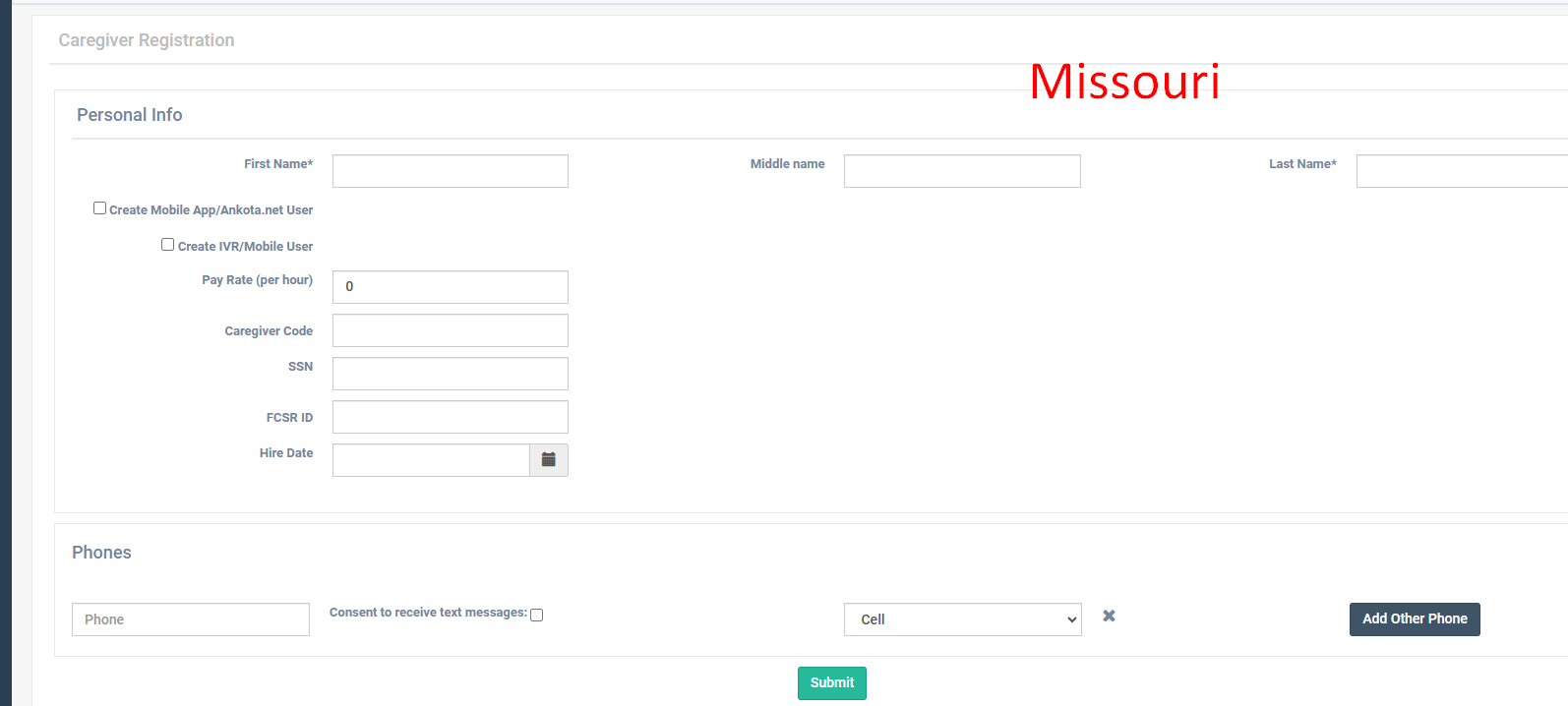
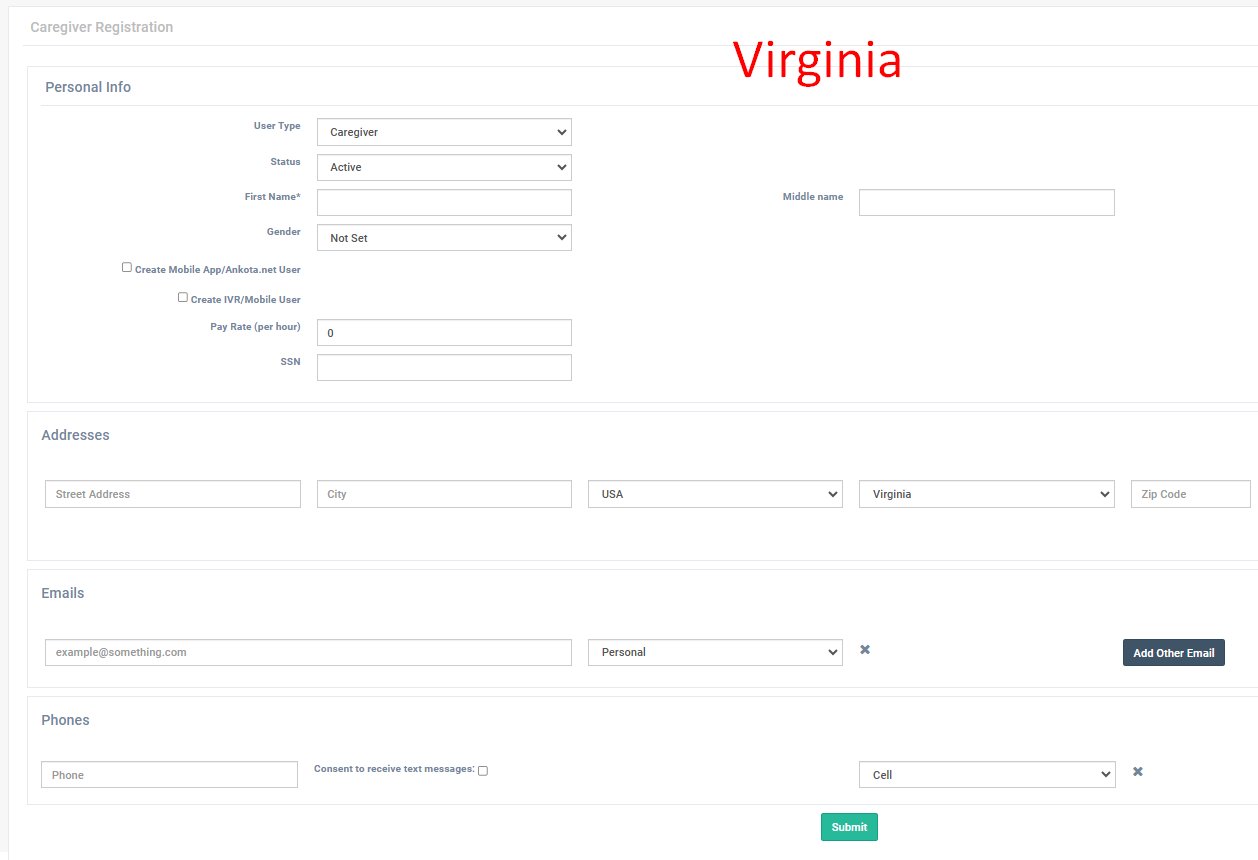
Typically, this is set up so that Medicaid state requirements are listed. In other words, according to your state, a caregiver might need their name, date of birth, social security number, and a caregiver registration ID, plus a mobile app user ID and password. This page would only show the fields for those required sections. See below for some examples of different state's caregiver registration pages, or click here for more information.
Caregiver Registration Page - Curated for External Applications
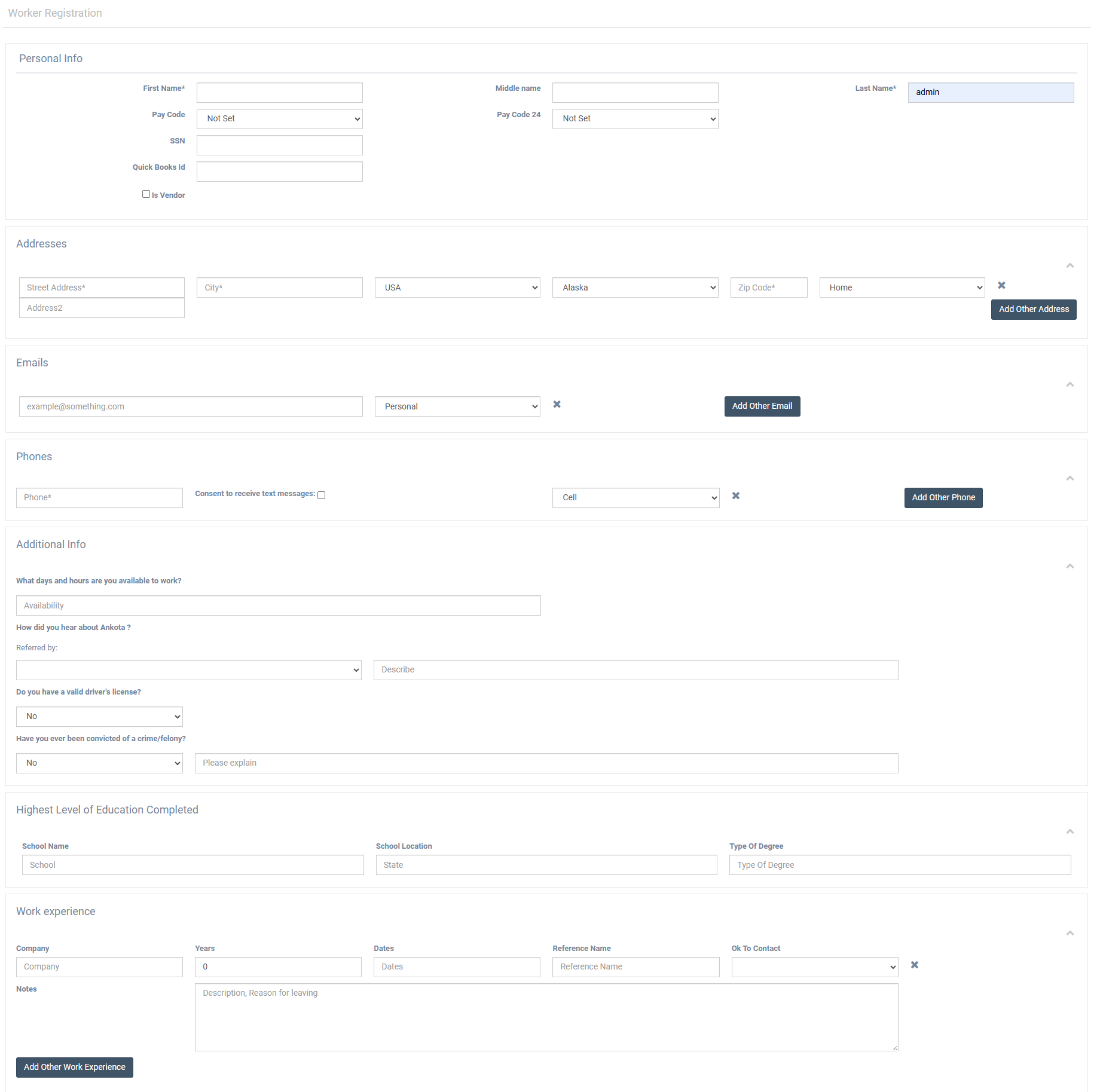
For organizations that would prefer to receive digital caregiver applications through their website, Ankota can tailor a caregiver registration page to skip mobile app creation and instead include fundamental application information like experience, education, etc. (This page has many fields which can be selected from.)
Ankota can then provide a website link that, when embedded into an organization's website, will take the applicant into an Ankota application. All recorded results will imported into Ankota in a candidate profile.
To request a customized link, reach out to Support or your Ankota specialist.
External Application Sample