Set Employee to Former
When a caregiver or employee ends employment with your organization, you will need to change their status from "active" to "former. To do this, follow these steps:
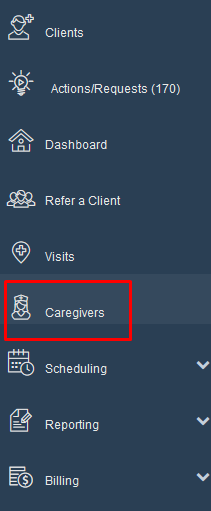
Step 1: Click on "Caregivers".
Step 2: Type caregivers first or last name in "filter". Change "caregiver status" to "All". Click "search".

Step 3: In the status drop down menu click on "former".

Step 4: Scroll to bottom of page and click on "save personal".

Was this article helpful?