Setting Caregiver Availability
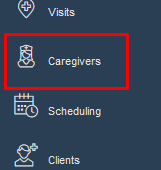
To set a caregiver's availability you will want to navigate to that caregiver's file and click on the "Availability" tab.

- Select “Add New Template” to add a new availability template.

- Give the new template a name.

- Save the template.
- A blank Availability template will appear.
- Next, add your available days one at a time by clicking on the check box next to the day and pressing “+Add time”.

- Then, set your working hours for that day in a typical week.
: The default is “Working” and Ankota looks at “Working” time slots as available to be scheduled.
Was this article helpful?