Adding A Billing Adjustment
To add an adjustment for bills , follow these steps:
- Go into “Adjustments” (left menu under billing).
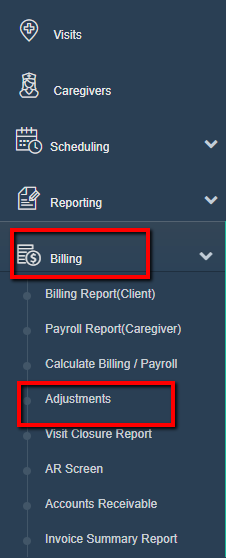
- Select "Add New Adjustment".

- If you need to charge more click "Charge", if you charged too much, click "Discount".

- Click "Client".
- Select the client or caregiver name.
- Set the date to the date the issue occurred on (can be some date in future).
- Type a short description.
- Put in the dollar amount to be adjusted as a positive number.
- Click "Save Adjustment".
Was this article helpful?