How to Re-bill (Change to Draft)
If you need to resubmit a claim for a visit that already has an invoice you will want to change it to a draft and re-bill.
To do this:
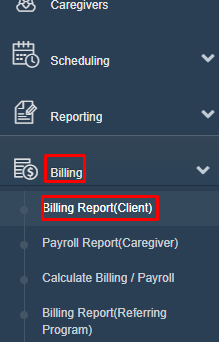
- Click on "Billing" then "Billing Report (Client)
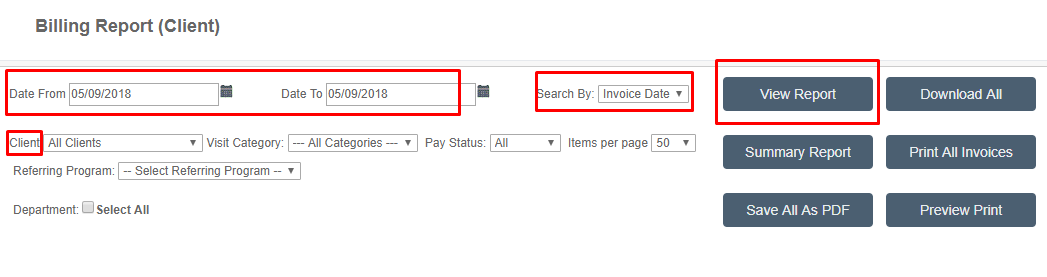
- Both the "Date From" and "Date To" should be the date the original invoice or visit was done. (If there are more than one you can do a date range also)
- Change "Search By" to "Invoice Date" or "Visit Date", depending on the date you used in "Date From" and "Date To".
- You can also search for a specific client
- Click "View Report"
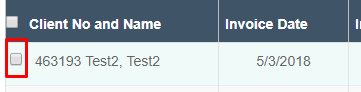
- Check the box next to the invoice you want to re-bill
- Click "Change to Drafts"

- Make the changes needed and then cancel the draft.

- Now you can do your billing as usual and this will be included
Was this article helpful?