Ionic Voice Signature in the Ankota Caregiver App
Overview
A voice signature option is available in the Ankota Caregiver App. It is intended for clients who are unable to use the signature pad due to dexterity issues.
To collect a client's voice signature, the caregiver must clock in to the visit. Upon arrival and/or departure, the app will request a signature.
Capturing a Voice Signature
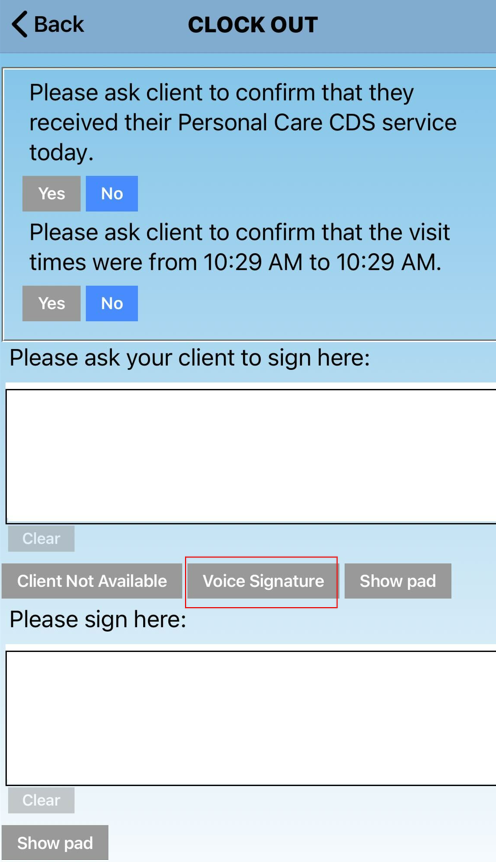
- Select the gray Voice Signature button.
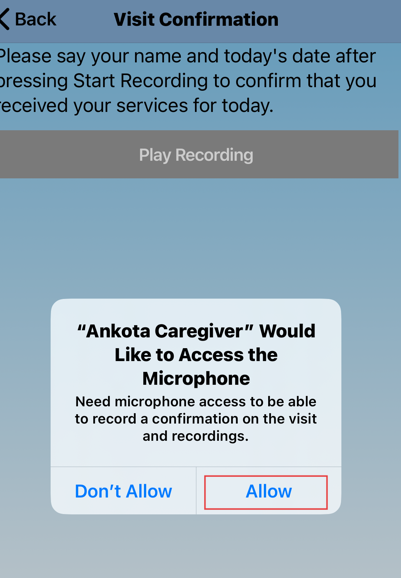
- Allow access to the microphone.
- Select Start Recording.
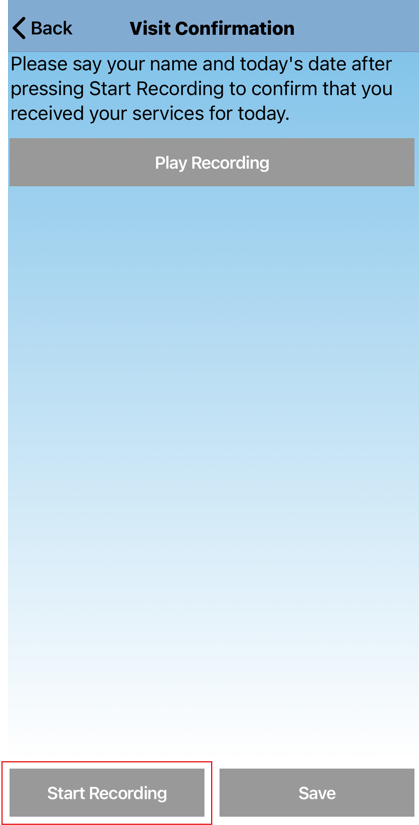
- Have the client say their name and the date.
- Select Stop Recording.
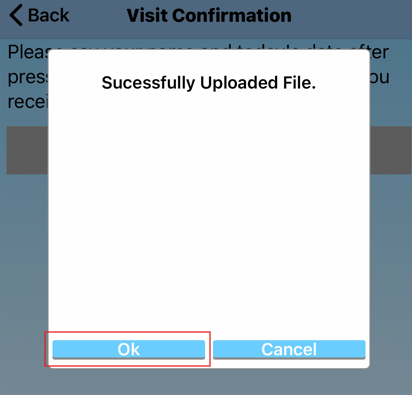
- A notification will confirm the file was successfully uploaded. Select OK.
- Select Play Recording to check the quality of the recording. If needed, redo the recording by selecting Start Recording again.
- Select Save and continue completing the visit.
Was this article helpful?