Multiple Visits Same Day with Same Visit Type and Same Client
Overview
This article refers to multiple-visit billing for the same visit type and client in 837s.
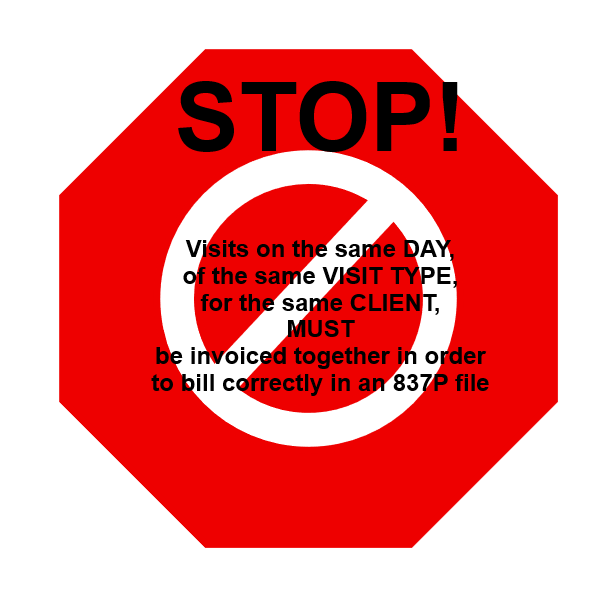
Sometimes, the same client receives a visit type at multiple times per day. For example, they may receive Personal Care T1019 at breakfast, where they are assisted with dressing, grooming, breakfast, etc., but that caregiver (or another caregiver) may also provide Personal Care T1019 during the evening, where they receive assistance with their evening routine. If you do not bill all visits for that client and that visit type on that day on the same 837, subsequent claims for that day's visit type will be rejected.
In order to bill these separate visits successfully on the same day in 837P files, and to prevent billing one completed visit in the morning when the second visit is still unapproved and in limbo in the Visit Approval Dashboard, customers should ensure all visits are ready to bill for the selected date range before billing. This means all visits in the selected date range should be Passed Screening or Approved status, i.e., out of Needs Action status in the Visit Approval Dashboard.
For customers who wish to have an extra safety net, Ankota has an optional safety net (see below) which can be turned on by request. This safety net prevents invoices from moving to completed status if their "partner" visit or visits is not ready to bill.
Optional Suspension of Drafts
In order for multiple visits for the same visit type and client on the same day to be billable, visits must be in the same invoice so that Ankota can correctly link them and bill them in the 837P ("Merged Healthcare Claim") file.
Since it's possible that the multiple visits aren't approved at the same time, Ankota has an optional process that keeps invoices in DRAFT if there's another visit for the same client, date and service type that isn't ready to bill (usually stuck in Needs Action on the Visit Approval Dashboard).
If this feature is turned on, the process works as follows:
-
Run billing with "split by day" checked and "complete" selected. To avoid issues, it is recommended to bill up to yesterday (do not bill through today), especially for customers who do not schedule visits, or for customers with Accumulated Minutes (also known as Accrued Minutes; this feature is available in some states where partial units may be billed once enough partials accumulate to make a full unit).
-
When billing is finished, if there are any invoices in DRAFT, they should be canceled.
-
When all visits are billable, go to the Calculate Billing page and Create invoices.
-
These invoices will now end up in the same invoice and be merged (making them all billable).
In short, this feature helps prevent the separation of visits which should be billed together.
For customers who are eligible for Accumulated Minutes, the best practice is to add those visits on the date of service that they become eligible. This ensures billing occurs on a date when services were provided.