Assign substitute caregiver
If you need to assign a caregiver to fill in for another caregiver for the day:
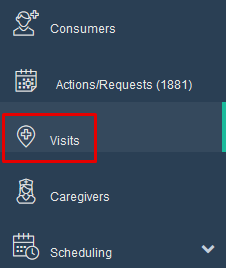
- Go to the "Visits" screen
-
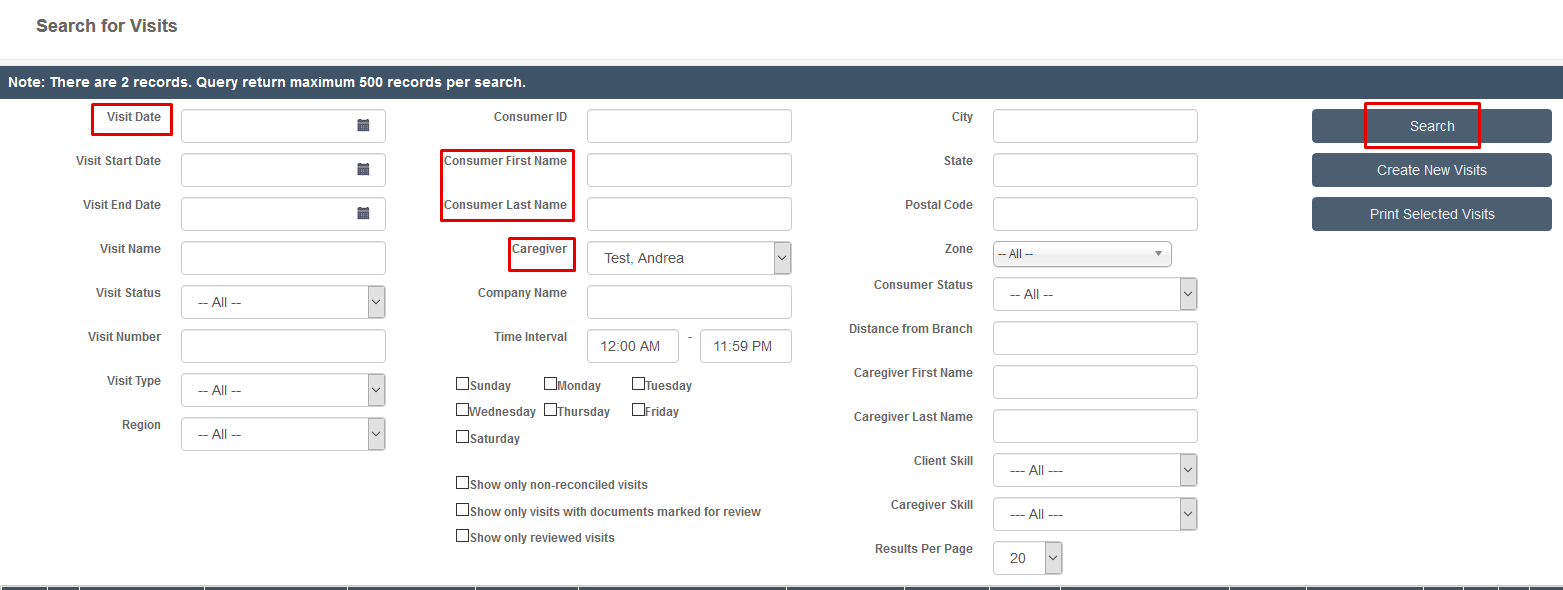
Search for the date of the visit and the caregiver or consumer
- Note: You can search for a date range if your caregiver needs changed for more than one day
-
Click "Search"
-
Find the visit for which you need a substitute caregiver and check the box in front of it
- Note: If you need more than one visit for the same caregiver you can check all you need

- Scroll to the bottom of the page and click on the "Assign to another caregiver" tab

-
From the drop down menu choose the caregiver you want.
-
Click "ok"
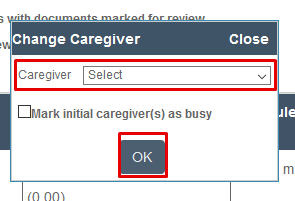
You have now changed the caregiver for that visit.
Was this article helpful?